Funny Wheels


Funny Wheels is here to get the thrills like never before! This wacky physics-based puzzle platformer is sure to keep you continually startled.
You have to survive and conquer levels, all while riding a wheelchair! Forget leather-wrapped steering wheels and high-horsepower motors. Your only means of transportation is a flimsy wheelchair that you have to guide through a gauntlet of millions of traps. There is a fine line between the gorgeous finish line and falling into an infinite abyss - and that is the art of keeping balance, momentum, and gravity.
How to play Funny Wheels
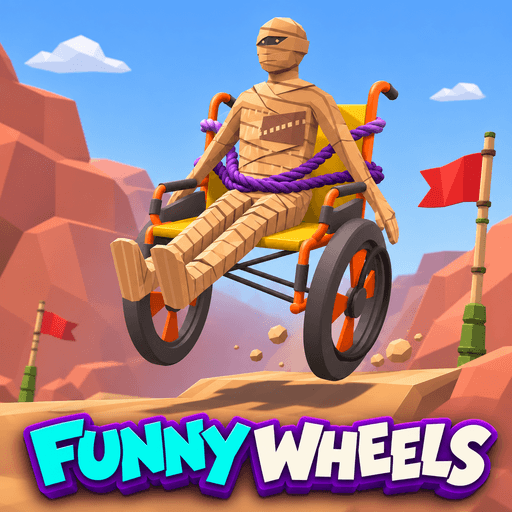
Funny Wheels completely tosses aside traditional driving mechanics. Here, you must control each wheel independently.
Moving Forward & Turning: To move forward, both wheels should be driven in a coordinated, rhythmic way. To successfully turn, you must apply different amounts of force to the left and right wheels.
Disaster Avoided: Poor coordination (such as pressing the wheels unevenly, or pushing in opposite directions) may cause your chair to immediately spin uncontrollably, losing your center of gravity and flipping you over. Survival is total synchronisation.
A Fatal Physics Playground
The road to the finish line is not a smooth one. You’ll sweat as you traverse small tunnels, teeter on hazardous moving platforms, and face an ever-changing ecology of traps.
The game’s “unpredictable” physics system is ready to punish any rash move. Don’t blindly charge ahead! Maintain your balance and your center of gravity, and work out your momentum carefully before you make any move across an obstacle. A little push at the wrong time can make you start over from the beginning.
An Ever-Escalating Challenge
Crossing the finish line is an achievement in itself, but it’s only the beginning. As you progress, the levels feature increasingly mind-bending terrain, demanding lightning-fast reflexes and impeccable balance. The game offers no room for error—yet, every time you crash and hit the ground, you’ll find yourself honing your hand-eye coordination and sharpening your spatial awareness.
Controls
A Key / Left Arrow: Apply thrust to the left wheel.
D Key / Right Arrow: Apply thrust to the right wheel.
R Key: Return to the nearest checkpoint after a crash.
I / K Keys: Adjust the camera angle vertically.
J / L Keys: Adjust the camera angle horizontally.
Spacebar: Reset the camera to the default center view.
Other engaging physics-based games: Ricochet Rage.
Popular Games














Discuss Funny Wheels